Mod Menu
Rust Mod Menu Guide
The mod menu is one overlay for ESP, aim, weapons, and misc toggles. Learn the tabs once and you can swap presets between farm, PvP, and raid nights.
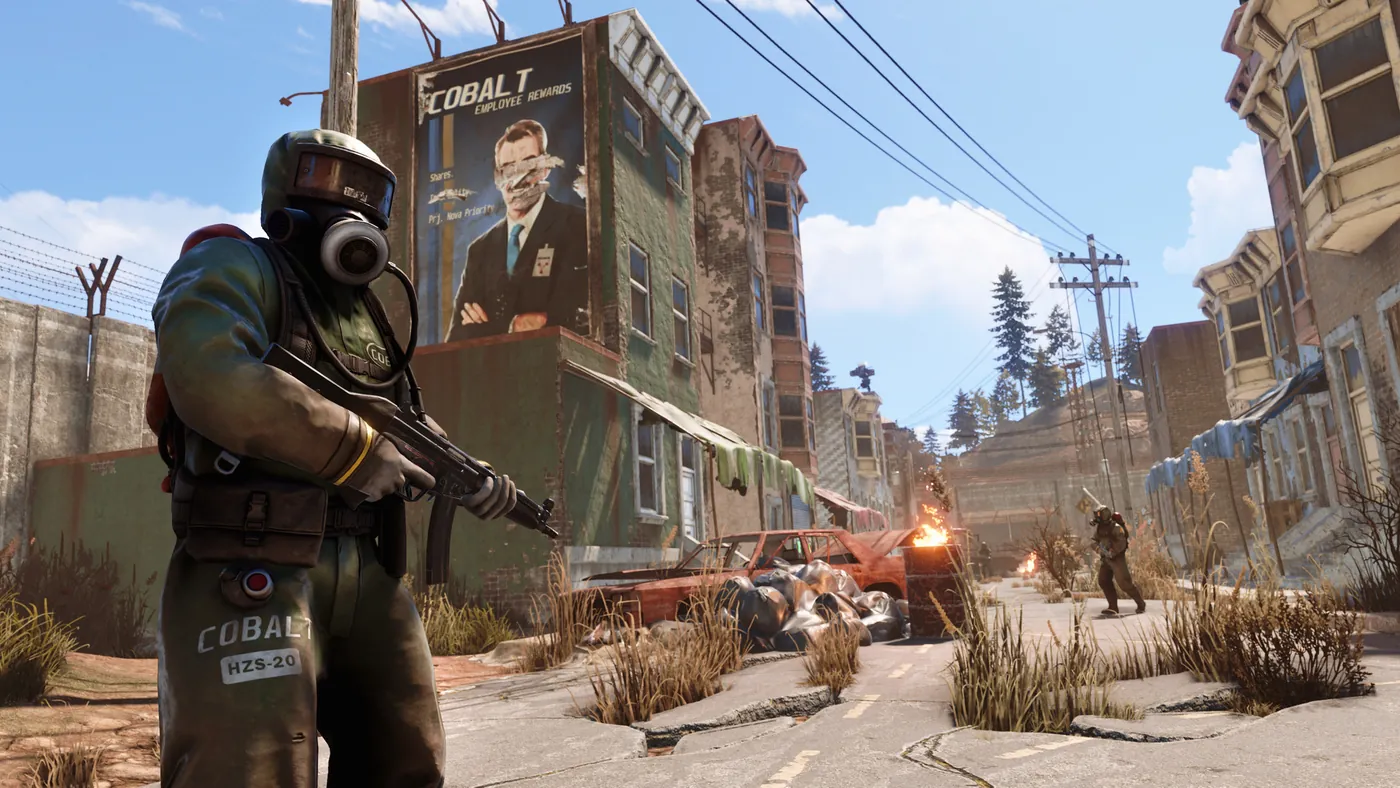
Menu layout and tabs
ESP tab: players, scientists, ores, crates. Aim tab: FOV, bone, smoothing. Weapons tab: no recoil and spread.
Save presets if supported — “Farm”, “Monument”, “Raid”.
Toggles you actually use
Most players live on player ESP, distance, sulfur pins, soft aim, and moderate no recoil. Turn off clutter.
Radar or minimap extras help solos — see Radar guide.
Menu key and support
Rebind menu key in loader settings. If tabs missing after patch, check Status.
Install help: Install guide. Buy: Store.